Tech
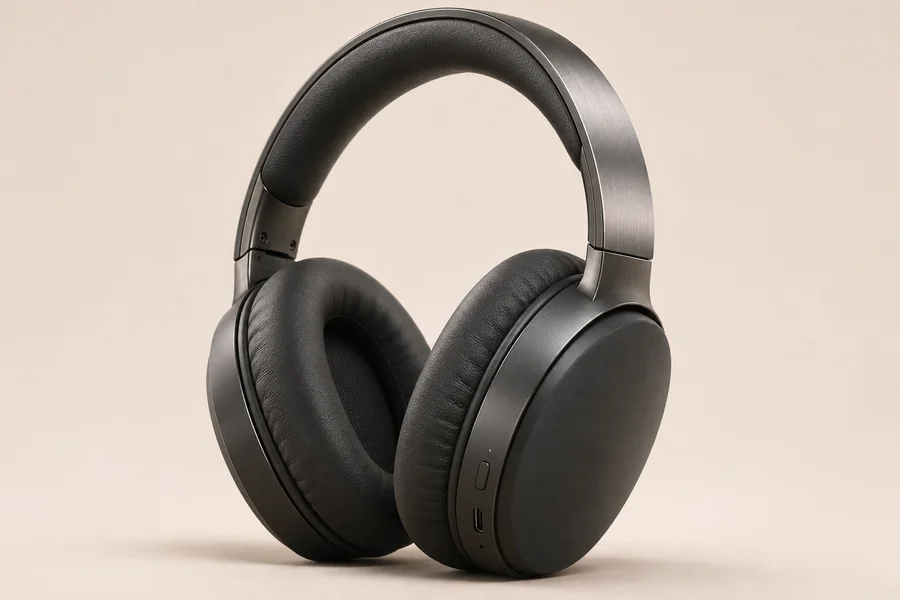
Studio headphones
₦900
1
Build a basket and try the checkout your customers would use.
Connect your store in three steps. Keep your products and orders where they are, and let customers pay through 10kobo.
Your server sets the price and links the invoice to an order.
Your customer chooses a payment method without leaving your store.
Verify the paid invoice on your server before releasing the order.
Get your merchant key and webhook secret yourself in the 10kobo app, under Invoices. The examples use placeholders; they do not execute payments.
// Server only. Never expose the merchant key in the browser.const response = await fetch(API_URL + '/v1/merchant/invoices', { method: 'POST', headers: { authorization: 'Bearer ' + MERCHANT_KEY, 'content-type': 'application/json', }, body: JSON.stringify({ reference: order.id, line_items: [{ description: 'Studio headphones', amount_naira: 900 }], return_url: SHOP_URL + '/orders/' + order.id, }),});if (!response.ok) throw new Error('Invoice creation failed');const invoice = await response.json();// Save invoice.id with your order. Return only that ID to the browser.Create an invoice · runs on your server. Get a merchant key yourself in the 10kobo app: Invoices, then Get a merchant key. Register your website with it, because return_url must be on that website. Calculate prices on your server and save the returned invoice ID with your order.